How to Test a Mechanical Keyboard (New, Used, or Just Built)
Whether you're inspecting a used board before you pay, checking a fresh build, or verifying the specs on a new purchase, a few minutes of testing tells you everything. Here's a complete checklist you can run in the browser — no drivers, no downloads.
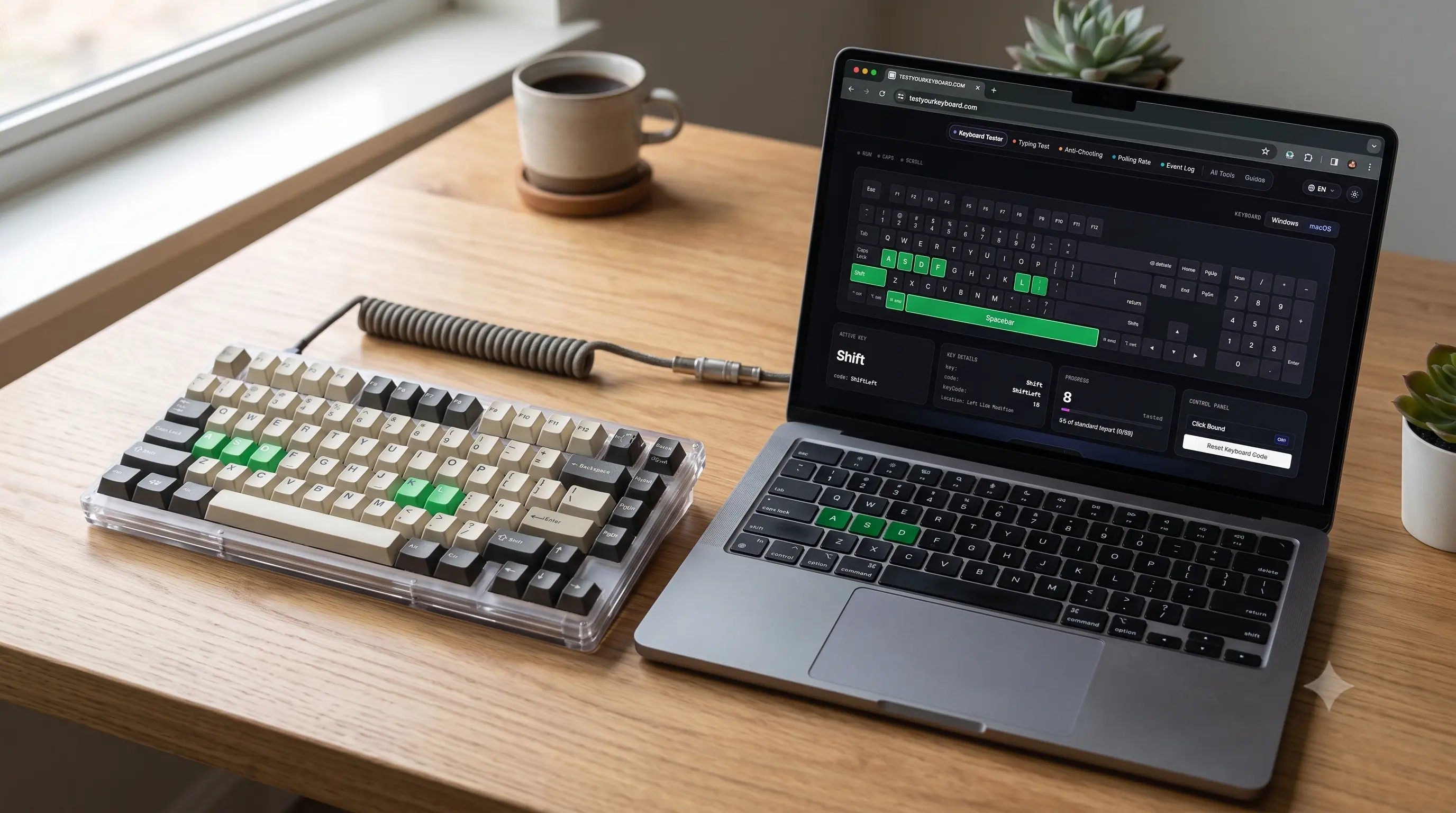
This checklist works whether you're buying a used board off a marketplace listing, picking up your own fresh solder or hot-swap build, or simply want to confirm a brand-new keyboard matches the specs on the box. Run through it in order — each step catches a different class of fault, and together they cover everything short of opening the case.
1. Every key registers
Start with the basics on the keyboard tester: press every key and confirm it lights up on the on-screen layout. Work across letters, numbers, the function row, arrows, numpad and modifiers. Any key that never lights points to a dead switch or a soldering/trace fault — on a second-hand board, that's your single most important check before paying.
On a fresh build, pay extra attention to keys near the edges of the plate and any switch you seated by hand rather than with a firmware-assisted jig — a slightly bent pin is the most common reason a single switch on a hand-built board tests dead on day one, and it's usually fixable by re-seating the switch rather than replacing it.
Before you go further: open the keyboard tester in another tab and keep it running alongside this checklist.
2. No key chatter (double-firing)
A worn or dirty switch can register two presses from one tap. Open thekey event logger and tap suspect keys once, slowly. Two keydownevents for a single press means the switch is chattering — easy to miss in normal typing, and a common fault on used boards. On a hot-swap board it's a cheap fix; on a soldered one it's a bigger job. Pay particular attention to the spacebar and Enter key — as the most-pressed keys on the board, they're the first to show wear-related chatter.

3. Rollover / NKRO holds up
If the board advertises NKRO or 6KRO, verify it. On the anti-ghosting test, hold down a growing cluster of keys and watch the count. A true NKRO board keeps registering keys well past six; a board that stalls at six is in 6KRO mode (look for an Fn + N toggle, or a setting in the manufacturer's configurator software). New to the term? Readwhat ghosting and NKRO mean. If the board is wireless, repeat the test over Bluetooth or its dongle — rollover is frequently lower wirelessly than the wired spec sheet promises, since it's bound by the HID report format the radio link uses.
4. Polling rate matches the spec
Gaming boards often claim 1000Hz (or higher). Estimate the real report rate on thepolling rate test: focus the box and roll your fingers across the keys to generate lots of distinct events. The smallest consistent gap between events reveals the rate. (Browsers cap timing precision around 1000Hz, so treat readings above that as "at least 1000Hz".) If the board has a software-selectable polling rate (125/250/500/1000Hz), confirm it's actually set to the rate you expect — some boards default to a lower rate out of the box.
5. Typing feel and consistency
Numbers aside, how does it type? Run a typing speed test on the board to feel the actuation and consistency under real sentences, not just single keys — a quick way to catch a scratchy switch or an inconsistent spacebar that a key-by-key test won't reveal. Listen as well as feel: a switch that sounds noticeably scratchier or "clackier" than its neighbors, even if it registers every press correctly, is worth lubing or replacing before it gets worse.
Don't skip the stabilizers
Larger keys — spacebar, Shift, Enter, Backspace — sit on wire stabilizers rather than a bare switch. Press each of these near its edges, not just dead center; a "rattly" or uneven feel off-center (rather than a fault reported by the tester) usually means the stabilizers need lubing or better seating, which is a common and easy tuning step on both new and used boards.
Quick checklist
- ✅ Every key lights up — key tester
- ✅ No double-fires — event logger
- ✅ Rollover meets the claim — anti-ghosting
- ✅ Polling rate meets the spec — polling rate
- ✅ Feels consistent to type on — typing test
- ✅ Stabilized keys (space, shift, enter) feel even off-center
Everything above runs locally in your browser and nothing you press is stored — safe to run even on a store-display or borrowed machine. If any check fails, the two most common causes have their own dedicated guides: keyboard keys not working for dead or chattering switches, and what ghosting and NKRO mean for rollover issues.