Keyboard Polling Rate Explained: Does It Actually Matter?
Polling rate gets marketed like a performance upgrade — bigger Hz number, better keyboard — but the real story is narrower than the spec sheet suggests. It matters a lot in one specific case, barely at all for everyday typing, and the browser test that measures it can't be trusted down to the last digit. Here's what polling rate actually controls, the math behind it, and whether it's worth chasing past 1000Hz.
What "polling rate" actually is
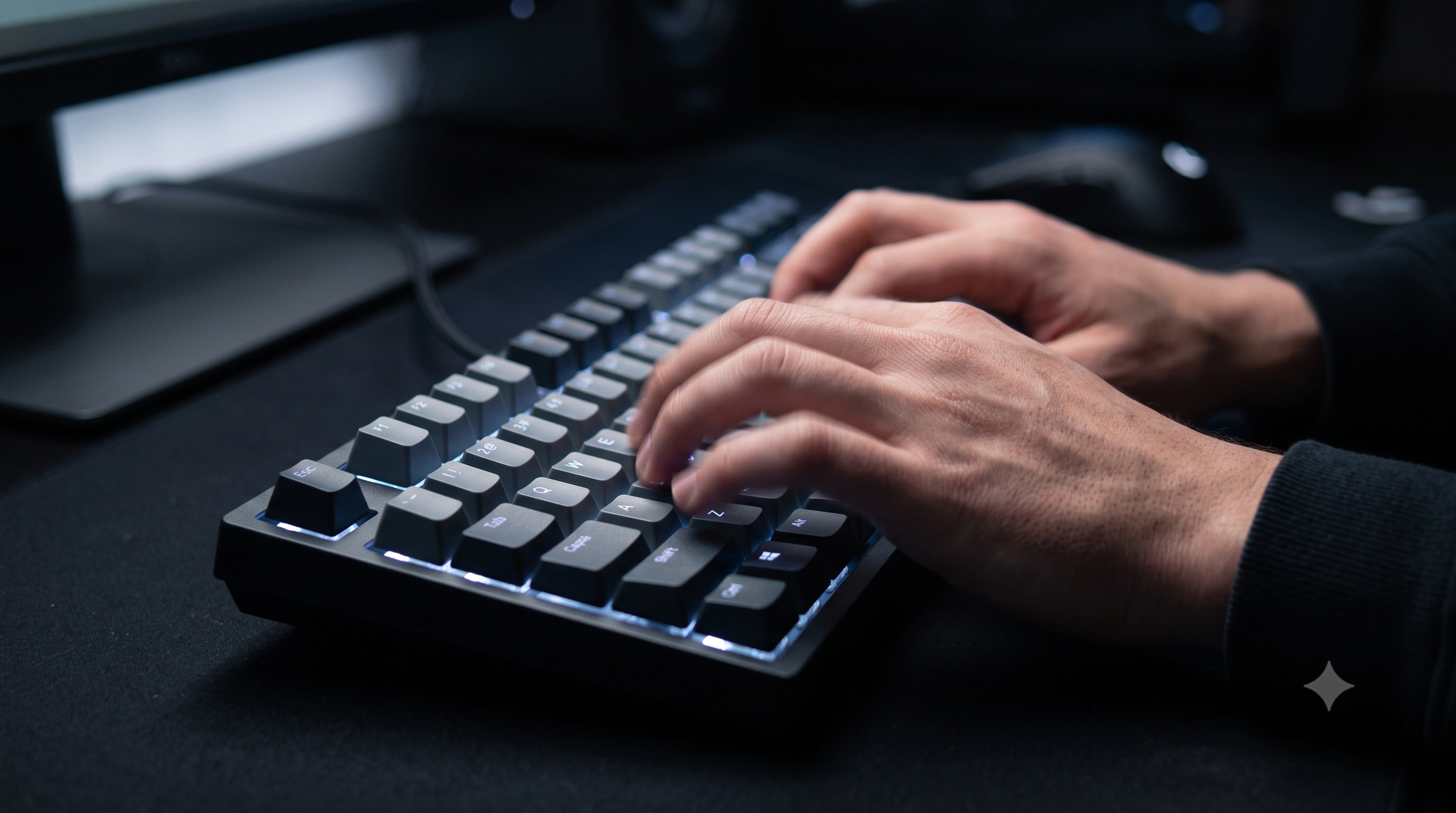
Every USB keyboard is a small computer that reports its own state to your PC on a schedule, not the instant a switch closes. Polling rate (also called report rate) is how often that report happens, measured in Hertz (Hz) — cycles per second. A 1000Hz keyboard sends the operating system a fresh snapshot of "which keys are down right now" a thousand times every second. This is part of theUSB HID (Human Interface Device) classthat keyboards, mice, and gamepads all use to talk to a computer.
It's easy to confuse polling rate with how fast a switch physically actuates, but the two are unrelated. A switch either is or isn't pressed at a given instant; polling rate only controls how quickly that fact gets reported.
The interval math: Hz to milliseconds
Polling rate is really about the gap between reports, not the big round Hz number on the box. Divide 1000 by the Hz figure to get the interval in milliseconds — the longest you'd wait for a keypress to be reported, worst case:
- 125Hz — a report every
8ms. The USB default, and still common on budget and office keyboards. - 500Hz — a report every
2ms. - 1000Hz — a report every
1ms. The de facto standard on gaming keyboards today. - 2000Hz — a report every
0.5ms. - 4000Hz — a report every
0.25ms. - 8000Hz — a report every
0.125ms, found on a handful of high-end "esports" keyboards and mice.
The jump from 125Hz to 1000Hz cuts worst-case reporting delay by 7 milliseconds — a real, human-noticeable change under the right conditions. The jump from 1000Hz all the way to 8000Hz only saves another 0.875ms on top of that — for most people, an amount smaller than the natural variation in their own reaction time.
What it does — and doesn't — do for latency
Polling rate is one link in a longer chain: switch actuation → keyboard scan → USB report → OS input buffer → application processing → frame render → display. Raising polling rate shrinks only the "USB report" link. It can't speed up a mushy switch, a slow game engine, or a 60Hz monitor that holds each frame for 16.7ms before the result can even appear on screen. If any other link in that chain is already slower than your polling interval, pushing the Hz higher buys you nothing you'll ever actually feel.
It also doesn't change how reliably your keypresses are captured — a key you genuinely pressed gets reported at 125Hz just as faithfully as at 8000Hz, only later. Polling rate is a latency knob, not a reliability knob; for the reliability question people usually mean rollover instead — see what ghosting and NKRO mean.
See your own number: open the polling rate test and mash a wide spread of keys. Compare the estimate against the table above, then read the accuracy note on that page before you take the figure as gospel.
Does it matter for typing, or only gaming?
For everyday typing — email, chat, documents — 125Hz is already faster than you can perceive. Human reaction time to a visual stimulus is roughly 200–250ms; even the slowest common polling rate reports a key within a tiny fraction of that window. You will not type more accurately, more comfortably, or "feel" a 1000Hz keyboard versus a 125Hz one during normal typing.
Where it can matter is competitive, fast-twitch gaming — shooters, fighting games, rhythm games — where inputs are timed in single-digit milliseconds and a slice of highly skilled players can notice a few milliseconds of added delay. Even there, the 125Hz-to-1000Hz jump is the change that actually matters; 1000Hz to 2000, 4000, or 8000Hz is diminishing returns for all but a small group of latency-sensitive players, and the CPU overhead at very high rates (below) can even work against you on a modest system.
Wireless vs. wired
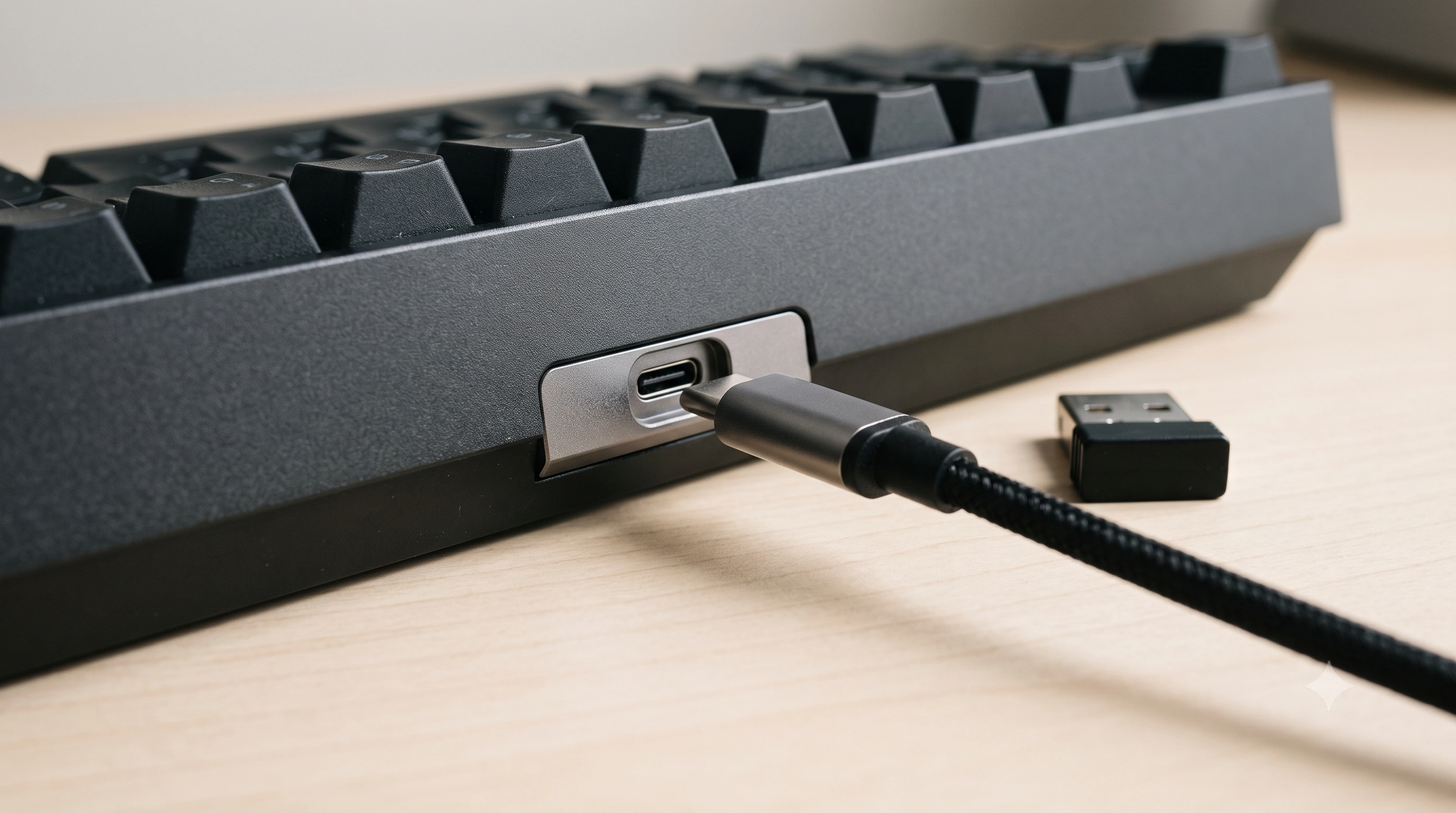
Wired connections generally deliver the highest and most consistent polling rates, because USB polling is a mature protocol running over a stable physical link. Bluetooth keyboards are usually capped much lower — often equivalent to 125Hz or worse — because Bluetooth HID prioritizes battery life over report frequency. A dedicated 2.4GHz gaming dongle can match 1000Hz wired performance, but a generic Bluetooth connection almost never will. If a keyboard advertises a high polling rate, check whether that number applies wirelessly or only when plugged in — it's one of the most common gaps between a spec sheet and real-world performance, similar to how NKRO claims often quietly assume a wired connection too.
How to check and change your polling rate
The definitive answer comes from your keyboard's own configuration software, not a browser test:
- Open the manufacturer's utility — Razer Synapse, Logitech G Hub, SteelSeries GG, Corsair iCUE, or a QMK/VIA-based configurator on many enthusiast mechanical boards.
- Look for a setting labeled "Polling Rate," "Report Rate," or simply "Hz" — usually a dropdown of 125 / 250 / 500 / 1000, sometimes higher on newer hardware.
- Some boards expose it as a physical DIP switch or
Fncombo instead of software — check the manual if you can't find a software option. - After changing it, unplug and replug the keyboard so the new setting takes effect.
Unless you have a specific reason to lower it — rare, mostly legacy compatibility — 1000Hz is a sensible default for anyone plugged in.
The CPU cost of very high polling rates
Every poll is a small USB interrupt the CPU has to service. At 125–1000Hz that overhead is negligible on any modern system. At 4000–8000Hz, a keyboard — especially paired with an 8000Hz mouse generating its own stream of interrupts — can measurably raise CPU usage and, on older or already-loaded systems, introduce stutter that increases the very latency you were trying to reduce. If you've set a very high rate "just in case" and see odd frame-time spikes, try dropping back to 1000Hz before looking anywhere else.
Why a browser-based test can only estimate your rate
Our own polling rate test — like any browser-based polling test — infers your Hz from the timing gaps between keydown events. That's a genuine signal, but browsers deliberately round and jitter event timestamps as a defense against timing-based fingerprinting, so the reading is an estimate, not a lab measurement. In practice this means it canover-report: a genuine 1000Hz keyboard can occasionally show as 2000Hz or higher in-browser, simply because two reports happened to land closer together than your keyboard's real interval. The accuracy note on the test page explains this in more detail — treat the number as a rough indicator, and use your vendor's own software (above) when you need the exact figure. For background on measuring input latency properly outside the browser, Dan Luu's widely citedkeyboard latency write-upis a good starting point.
The bottom line
Polling rate is real, and it genuinely reduces worst-case input delay — but almost all of that benefit lands in the jump from 125Hz to 1000Hz. Beyond that, you're chasing diminishing returns against a chain of other latency sources — switch, game engine, display — that likely matter more for how a keyboard actually feels. For typing, don't think about it at all. For gaming, 1000Hz wired is a sensible target for nearly everyone; only go higher once you already know exactly why.Check your keyboard's rate now and compare it against the numbers above.